

 EN
EN

WordPress–WooCommerce plugin for configuring the SGR fee, Ter22 SGR Tax Plugin
29,99 €
WooCommerce SGR Plugin – SGR Fee for Online Stores
Ter22 SGR Tax Plugin is a professional WooCommerce plugin designed for the correct management of the SGR fee (Deposit-Return System) in Romanian online stores.
The plugin allows automatic setup, calculation, and display of the SGR fee at product, package (case/pallet), and cart level, in compliance with legal requirements.
The solution is built for real WooCommerce sales workflows and provides full control over the SGR fee, without workarounds or manual calculations.
What the Ter22 SGR Tax Plugin Is
Ter22 SGR Tax Plugin is a WordPress plugin for WooCommerce that adds and manages the SGR fee directly in the online store.
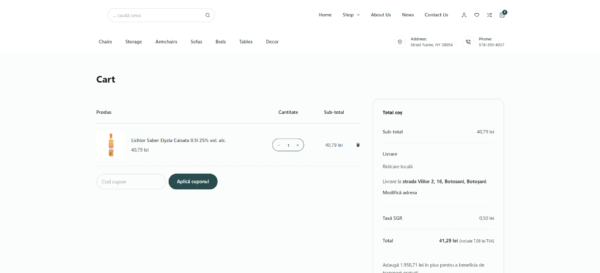
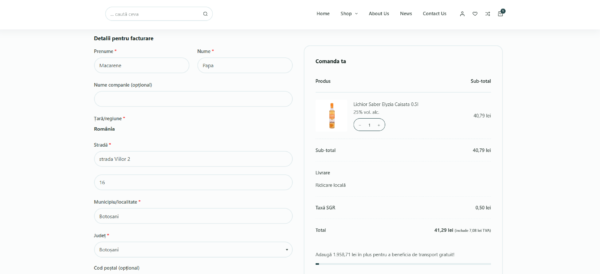
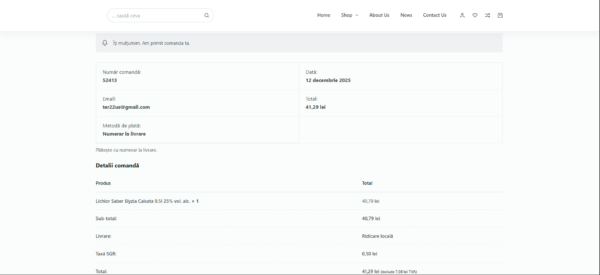
The fee is automatically calculated based on cart quantities and displayed transparently at checkout, separately from the sold products.
The plugin is intended for online stores selling products subject to the SGR system and requiring a stable, compliant, and easy-to-manage solution.
Benefits of the Ter22 SGR Tax Plugin
- Configurable SGR fee at product level
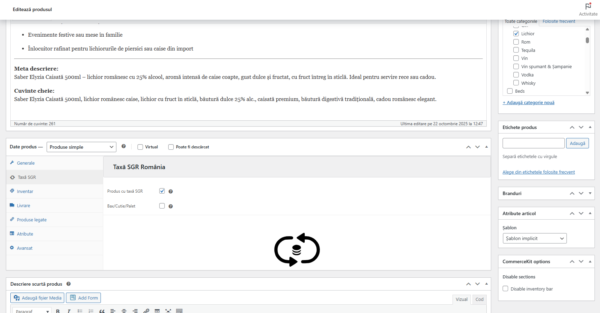
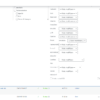
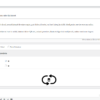
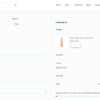
SGR can be enabled via a dedicated checkbox on the product page (including variations).
The plugin automatically calculates the SGR fee based on cart quantity. - Package / bundle mode (case, pallet)
For grouped products, you can define a specific SGR fee per package, different from the global per-unit value. - Centralized global settings
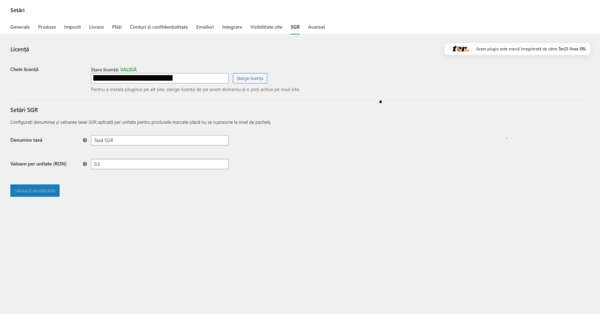
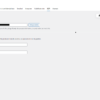
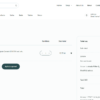
The tax label name (e.g., “SGR Fee”) and per-unit value are configured from a single settings panel. - Bulk Edit and product list integration
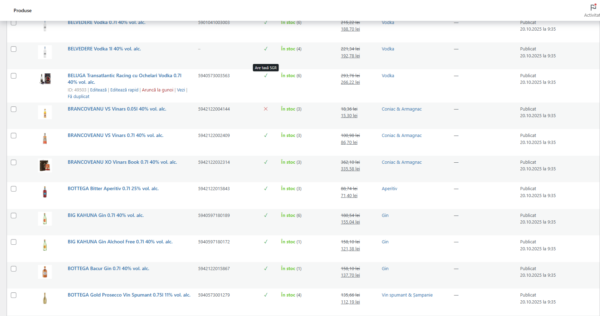
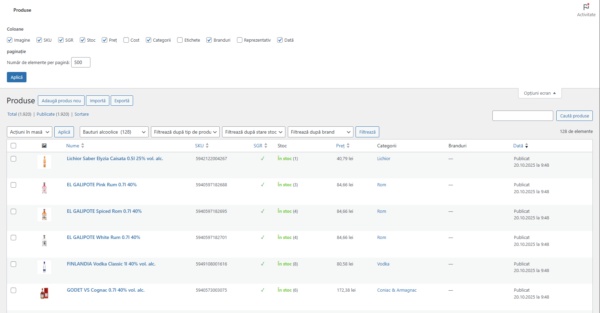
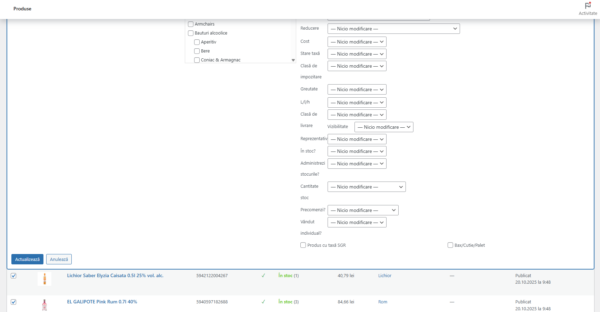
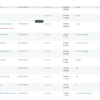
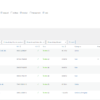
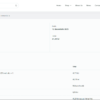
Enable/disable SGR in bulk via Bulk Edit, dedicated column in the product list, plus sorting options. - Automatic calculation and checkout display
The plugin totals SGR fees for cart products and automatically adds the tax line to the order total. - WooCommerce HPOS compatible
Declared compatibility with High-Performance Order Storage (new WooCommerce order tables). - License and updates
Lifetime license with permanent updates included for ongoing compatibility with WordPress and WooCommerce. - Correct fiscal treatment
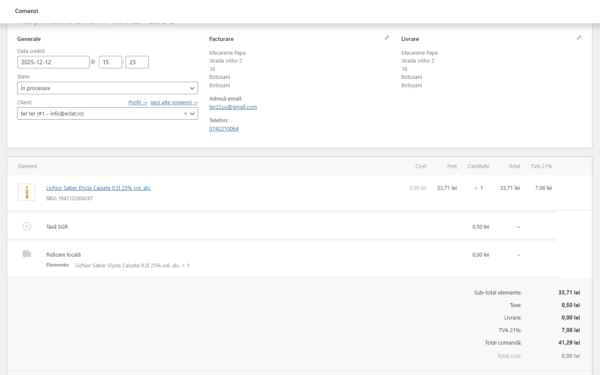
The SGR fee is configured with 0% VAT, while products may include VAT (e.g., 21%), according to legislation.
How to Use the Ter22 SGR Tax Plugin
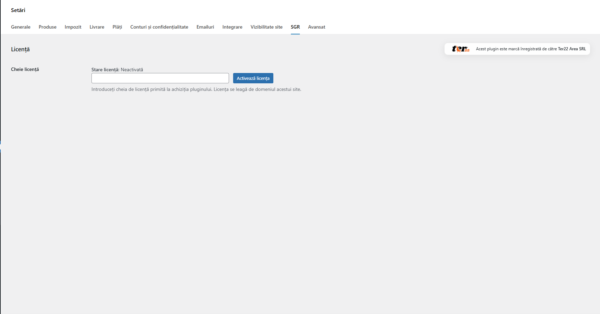
- Go to WooCommerce → Settings → SGR and configure the tax line name and global SGR value.
- On the product page, enable “SGR Product”.
For cases/pallets, enable package mode and enter the SGR fee per package. - Use Bulk Edit to quickly enable SGR for multiple products.
- At checkout, the plugin automatically adds the “SGR Fee” line to the order total.
Minimum Requirements
- PHP: 8.0 or newer
- WordPress: 6.2 or newer
- WooCommerce: 8.0 or newer (recommended for HPOS)
- Database: MySQL 5.7+ or MariaDB 10.3+
- HTTPS recommended for checkout and administration
Ter22 SGR Tax Plugin is the complete solution for managing the SGR fee in WooCommerce,
providing automation, legal compliance, and full control over how the fee is calculated and displayed in the online store.
WooCommerce SGR plugin for automatic SGR fee calculation. Product and package control, global settings, bulk edit, HPOS compatibility, lifetime license, and permanent updates.
SGR WooCommerce plugin, WooCommerce SGR fee, WordPress SGR plugin, Deposit Return System WooCommerce,
SGR case pallet, SGR fee checkout calculation, WooCommerce HPOS SGR, Ter22 SGR Tax Plugin




Reviews
There are no reviews yet.